Every display setting, in real frames.
Illusion of Gaia Companion is a native PC version of the SNES classic. Use the game's own settings menu below to switch what you see. Each picture is an actual GPU frame from the port, taken at the same moment on Edward's Castle so you can compare like for like.
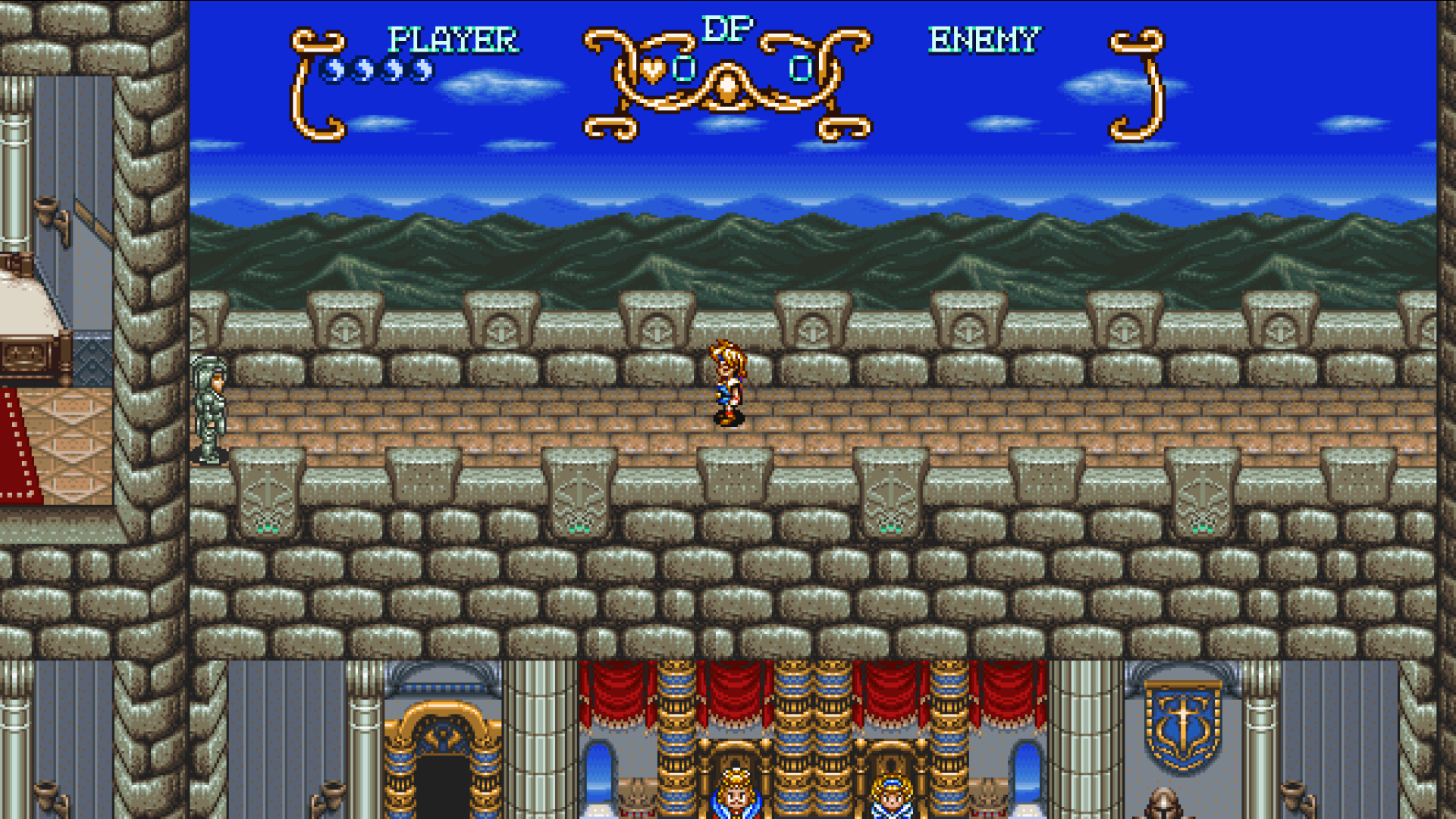
Ultrawide
Up to 32:9. Really.
This is one frame at 5120 × 1440, shown at its true 32:9 shape. The whole castle front, the bedroom, the rampart and the throne room below, drawn from the game's own scenery. Black appears only where the room itself ends.
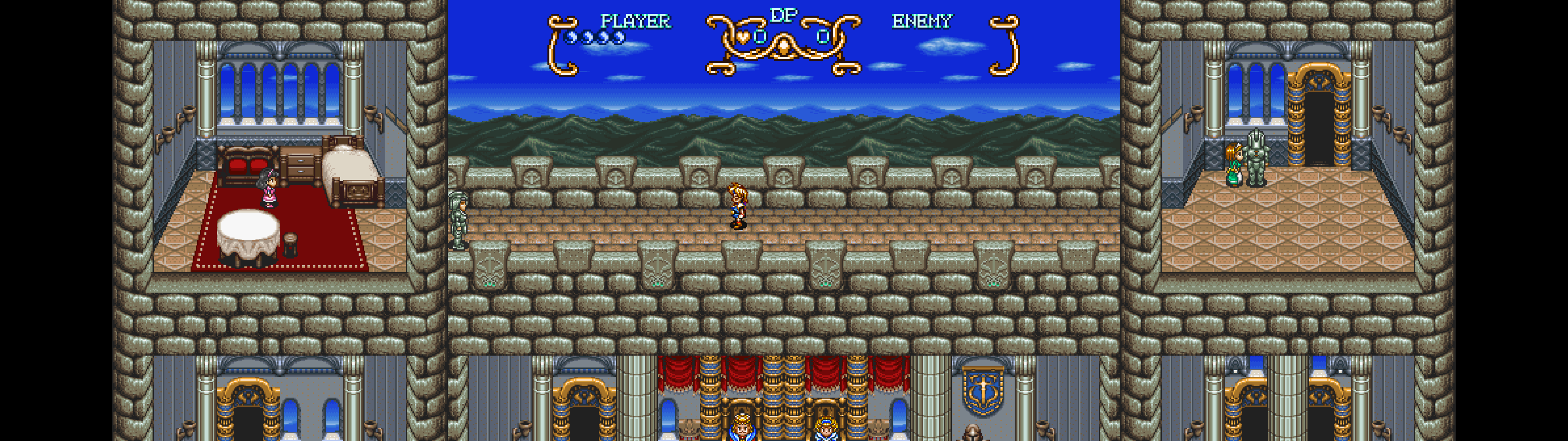
How much of the world you see
Game pixels across the screen. The original SNES screen is 256 wide. The wide view at the default 1.5× view is 336 rows tall and grows sideways with your screen's shape.
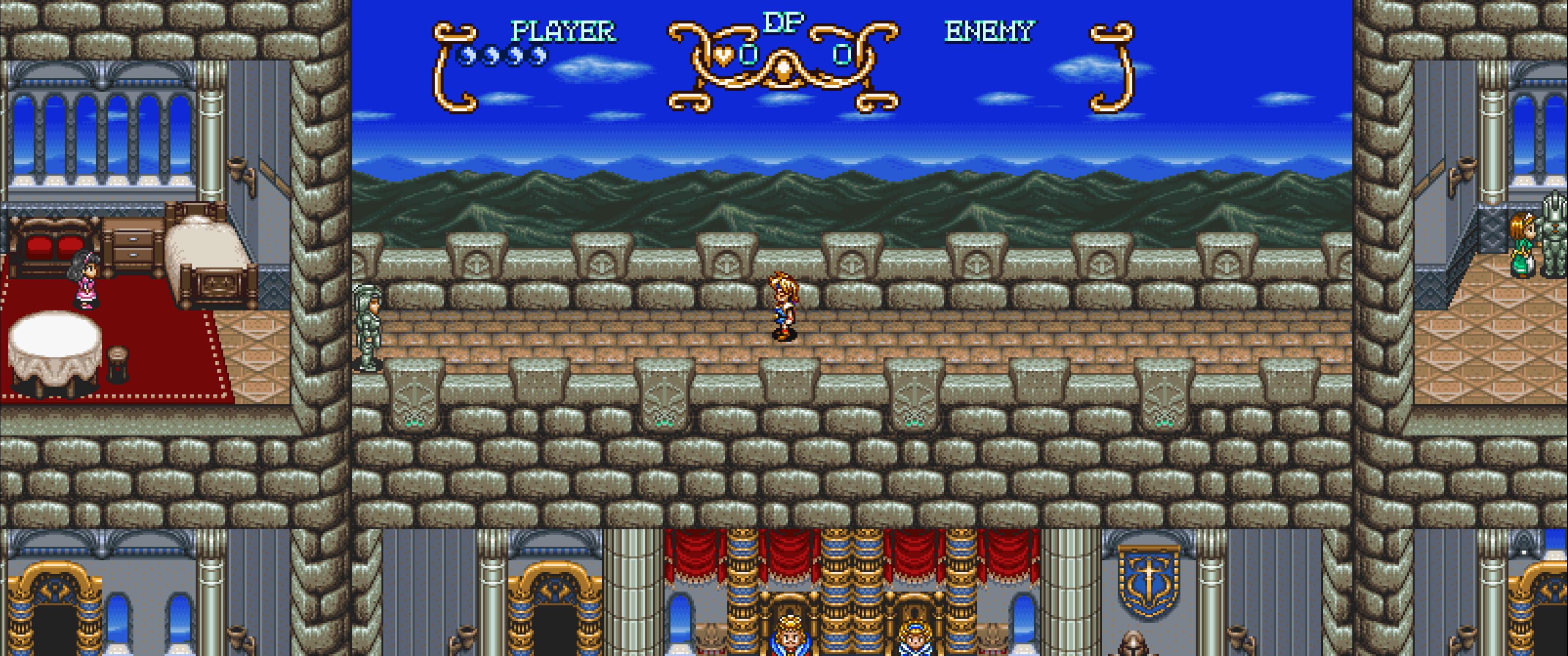
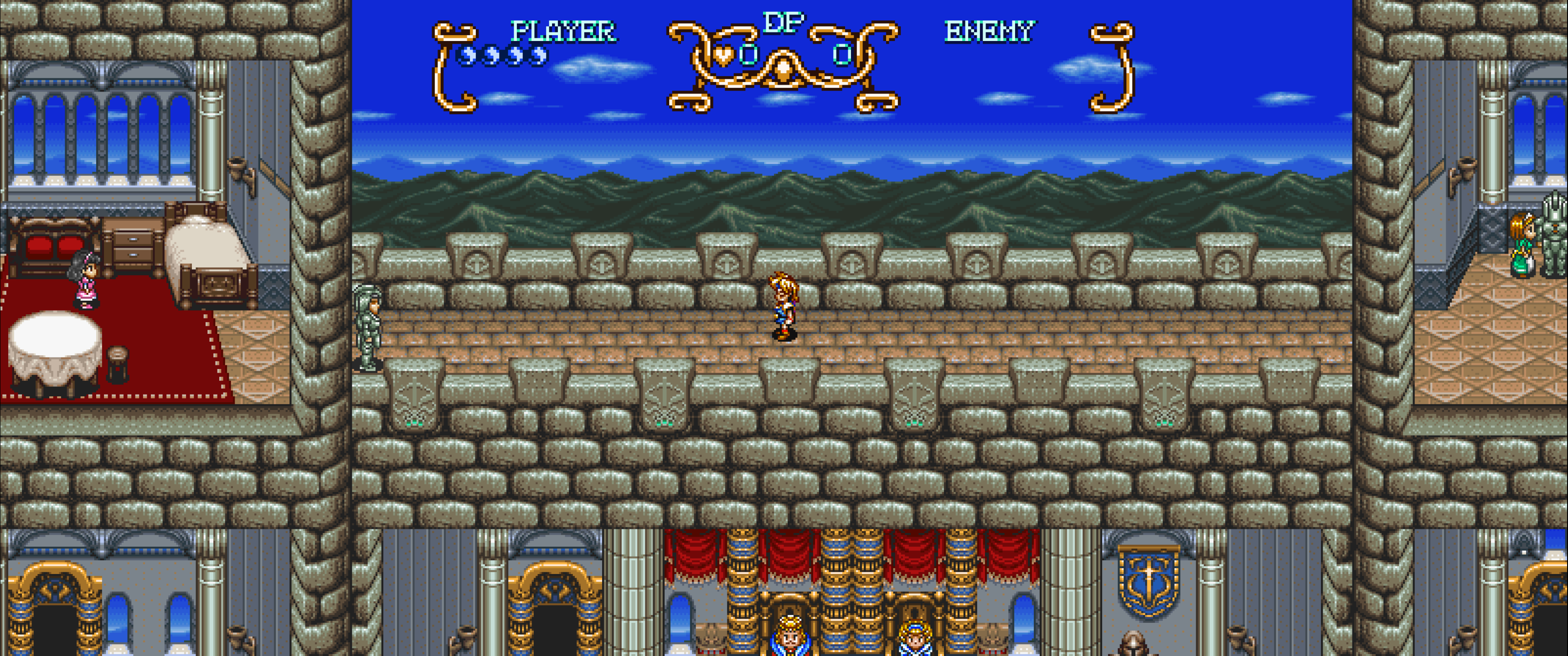
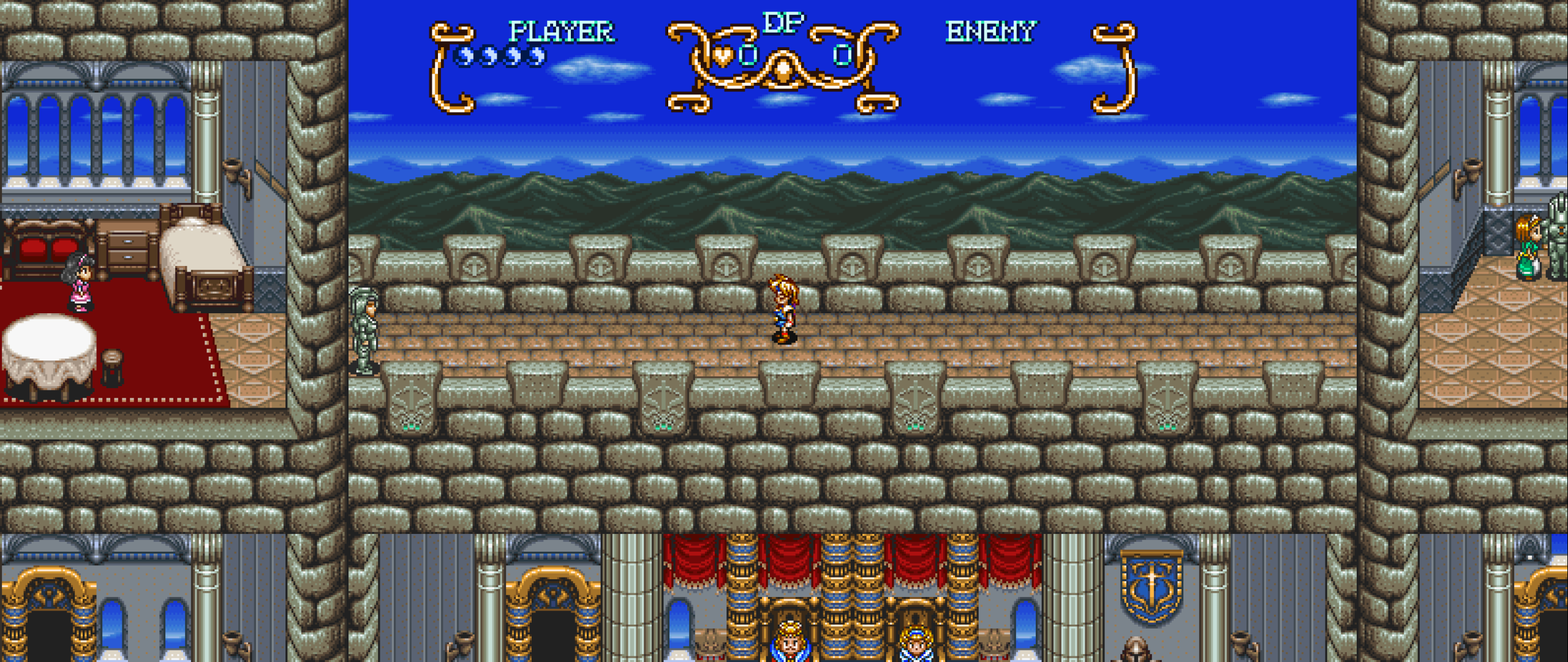
- Under 9 ms a frame in rooms at 5120 × 1440, and under 13 ms on the world map, on an RTX 5070. Comfortably 60 fps.
- 32:9 is the widest it goes. Anything wider gets side bars, never stretched pixels.
- To play ultrawide: Picture = Wide view and desktop fullscreen in the launcher. It picks up your screen's shape by itself.
Try it yourself
- Download the latest release from GitHub and unzip it.
- Run
illusion-of-gaia.Companion.exe, choose your own Illusion of Gaia (USA) ROM, Apply, Play. - Press Esc in game for these settings. Picture and scaling are also on the launcher's Display page.
No game data is included; you need your own ROM. A free, noncommercial fan project.